See the prompts that actually work for you — as data
Every AI coding session lands in one local store. See which prompts led to good results — entirely on your Mac.
Local only · nothing leaves your Mac · Mac App Store
$ promptlint scan ~/.claude/projects
// demo fixture — not real data
✓ indexed 1,204 sessions
✓ found 12 top prompt patterns
> "state a hypothesis, then verify with evidence"
87% success rate · used 34x
01 — How it works
One place for every chat log
Session logs from Claude Code, ChatGPT, Cursor, and more land in a single local SQLite store. Search across them without another backup tool.
The fingerprint of prompts that work
Pattern analysis on which prompts led to good results. See "your own style" as data.
Local first
Chat logs live only in a local SQLite store on your Mac by default. If you enable the optional AI classification and improvement features, only the relevant prompt text is sent to OpenAI and Anthropic. Delete the .db file any time to start fresh.
02 — Screens
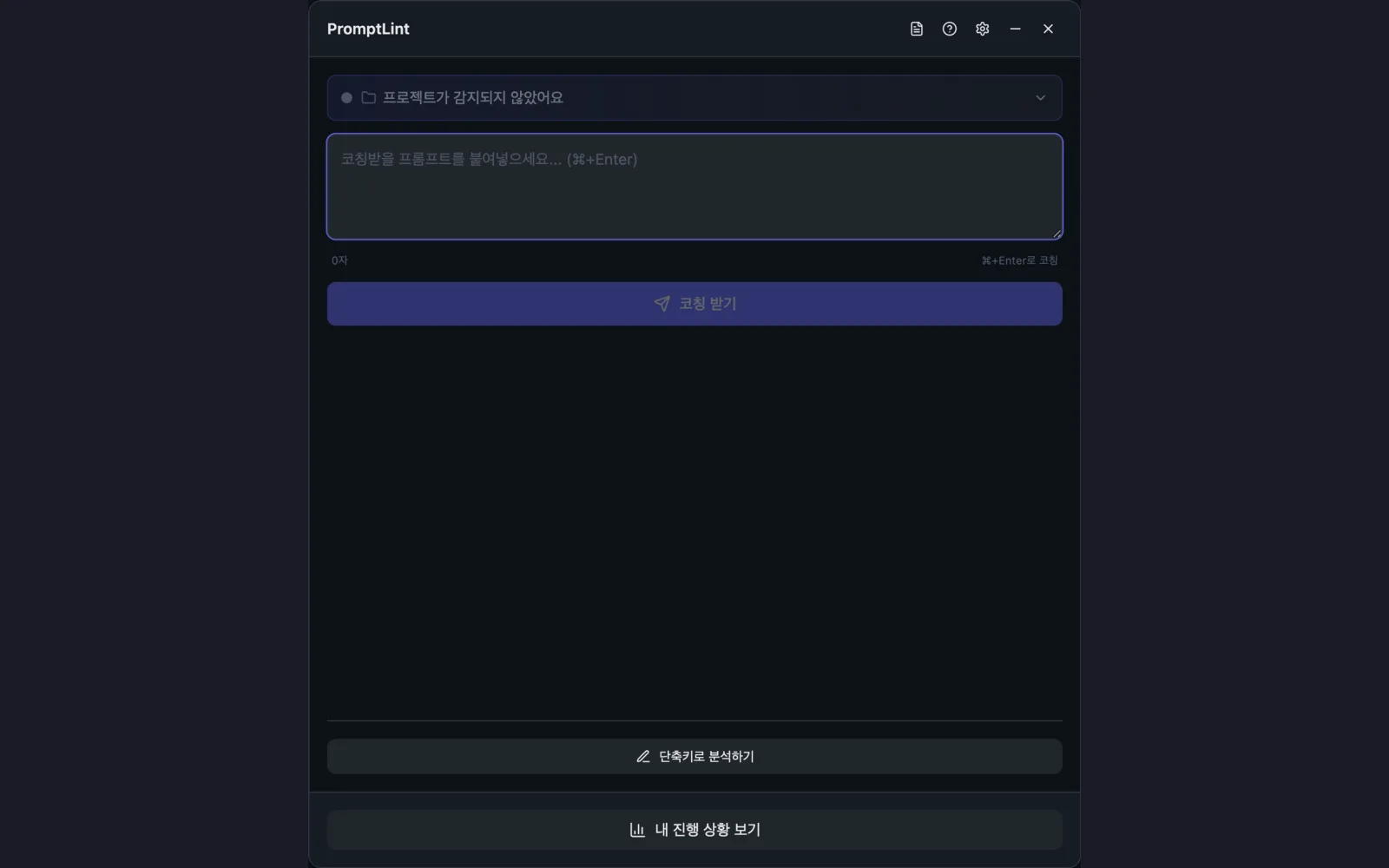
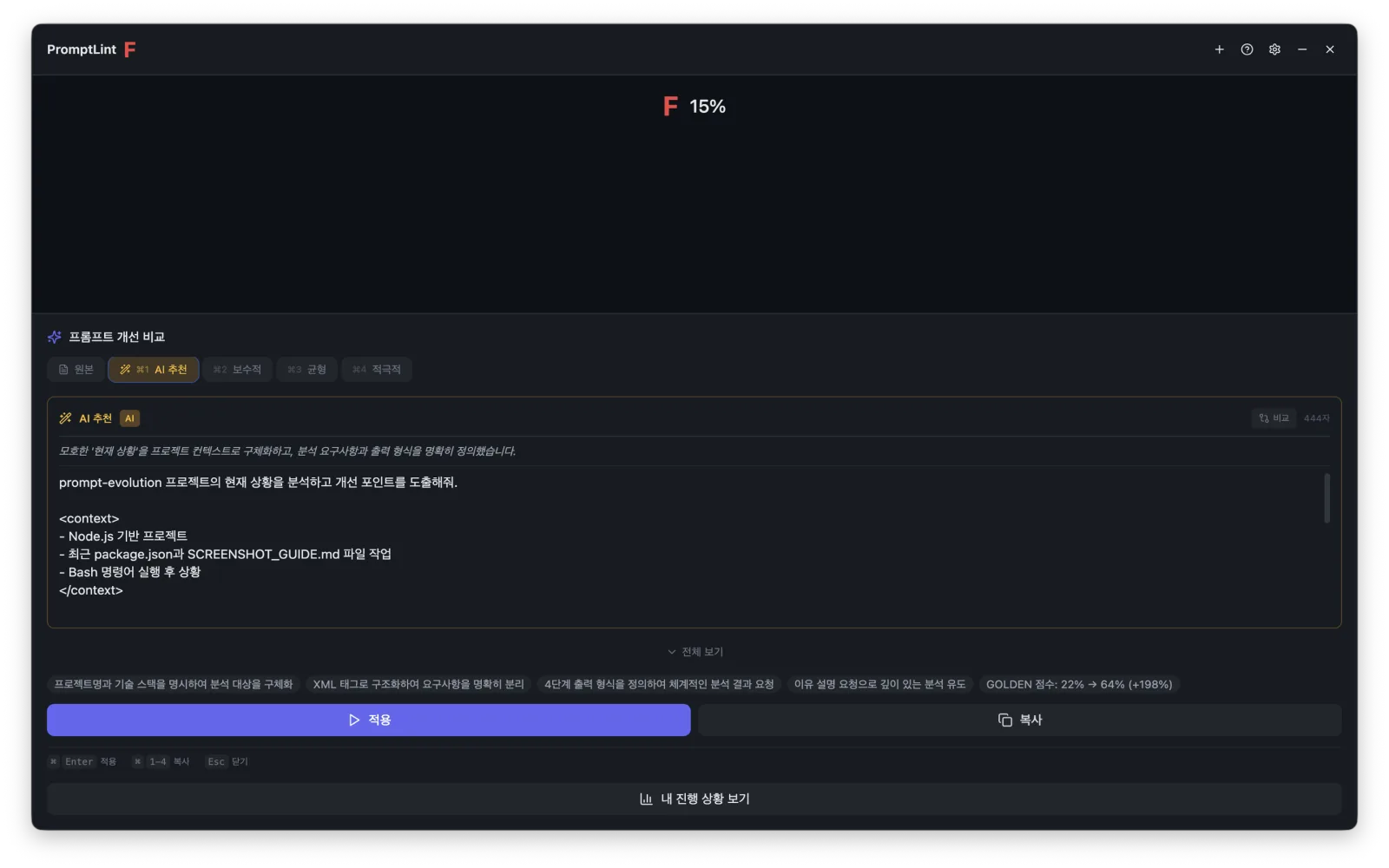
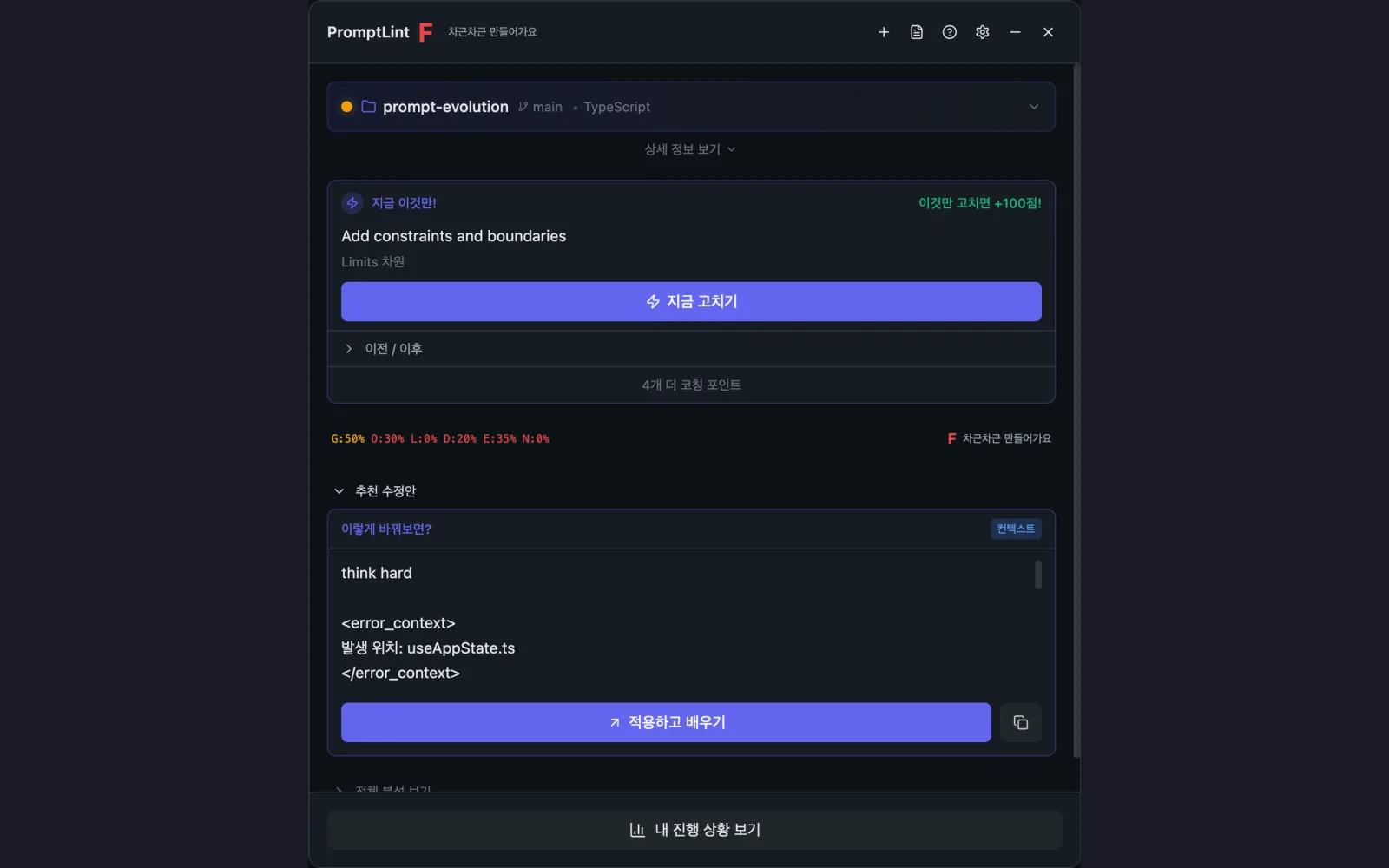
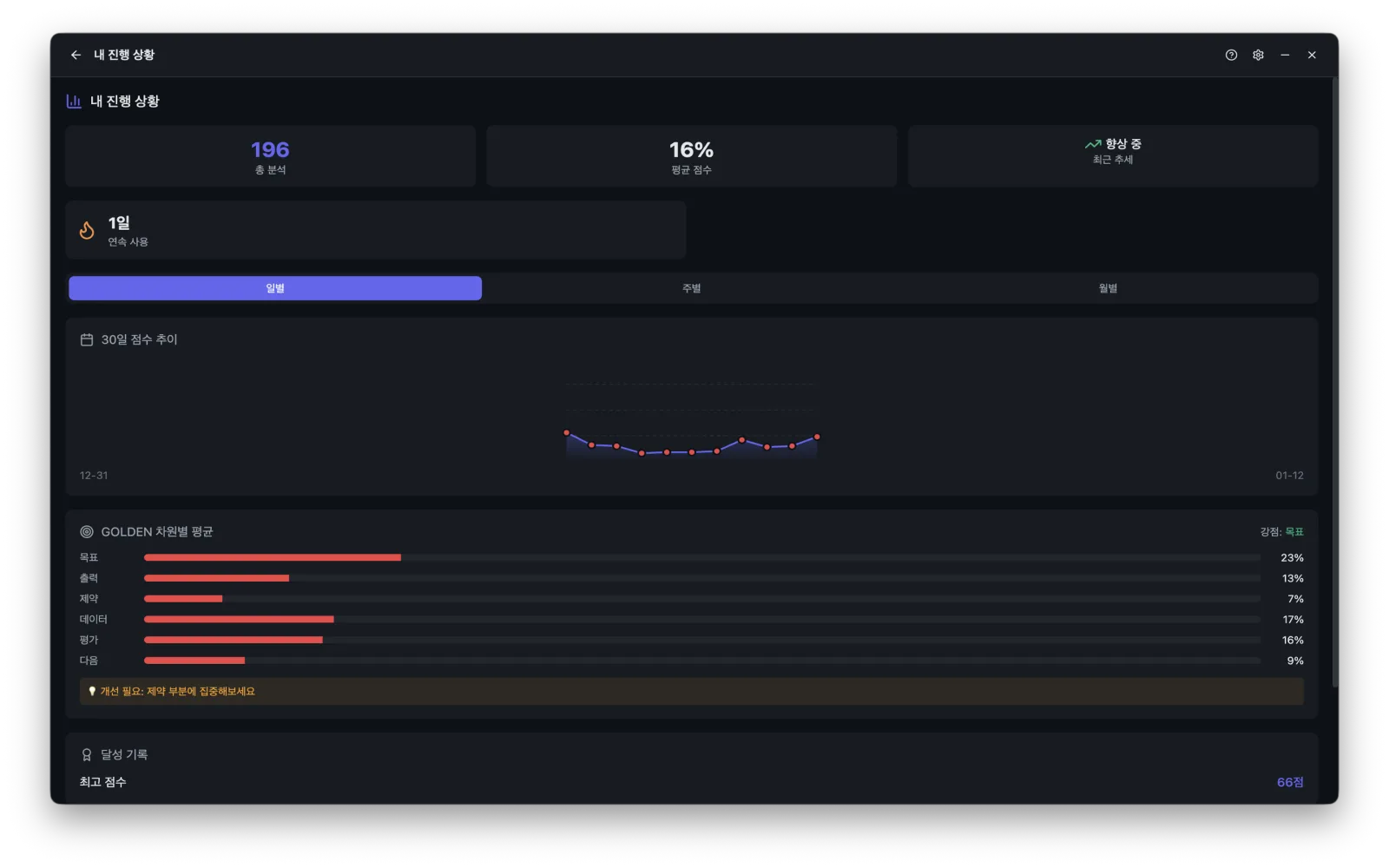
03 — Data & pricing
| Collects personal data | Yes |
|---|---|
| Uses network | Yes |
| Stored on-device | AI coding chat logs (SQLite) · App settings |
| Third-party services | OpenAI API (prompt classification — optional, only when the user configures an API key) · Anthropic API (prompt improvement suggestions — optional, only when the user configures an API key) |
| Ads / in-app purchase | No / No |
04 — FAQ
Do my prompts or code ever leave my Mac?
No. All analysis happens locally; prompt content, code, and file paths never leave your machine. Only if you explicitly enable the optional AI improvement feature is that prompt sent to Anthropic's Claude API.
How do I turn off anonymous telemetry?
PromptLint → Settings → Privacy → Disable anonymous usage telemetry. It takes effect immediately, no restart needed, and disabling it does not affect any functionality.
Where is my data stored, and how do I delete it?
History lives in ~/.promptlint/history.db and settings in ~/Library/Application Support/PromptLint/config.json. Delete those two files to remove all data.
Which AI tools' logs are supported?
Session logs from Claude Code, ChatGPT, Cursor, and other major AI coding tools are collected into a single local store.